
Description
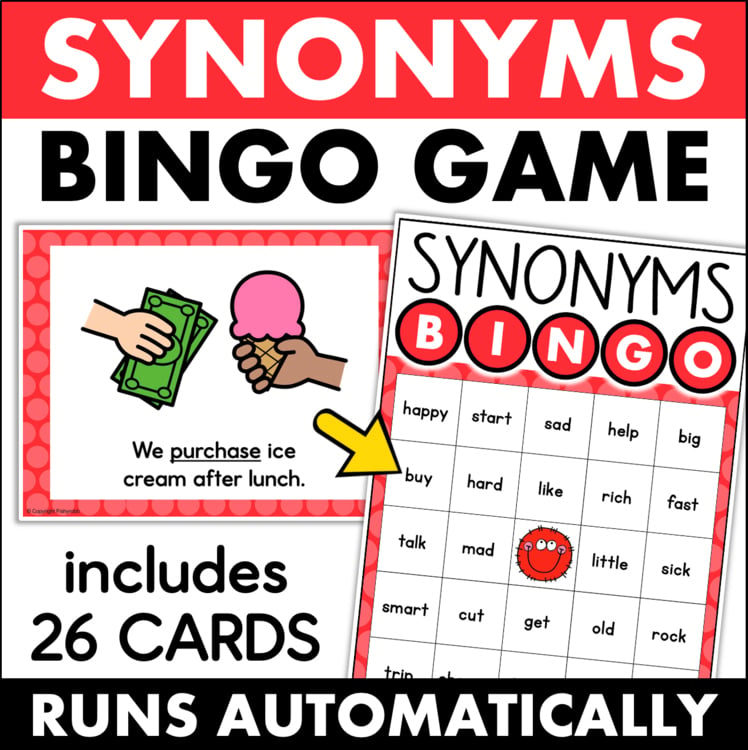
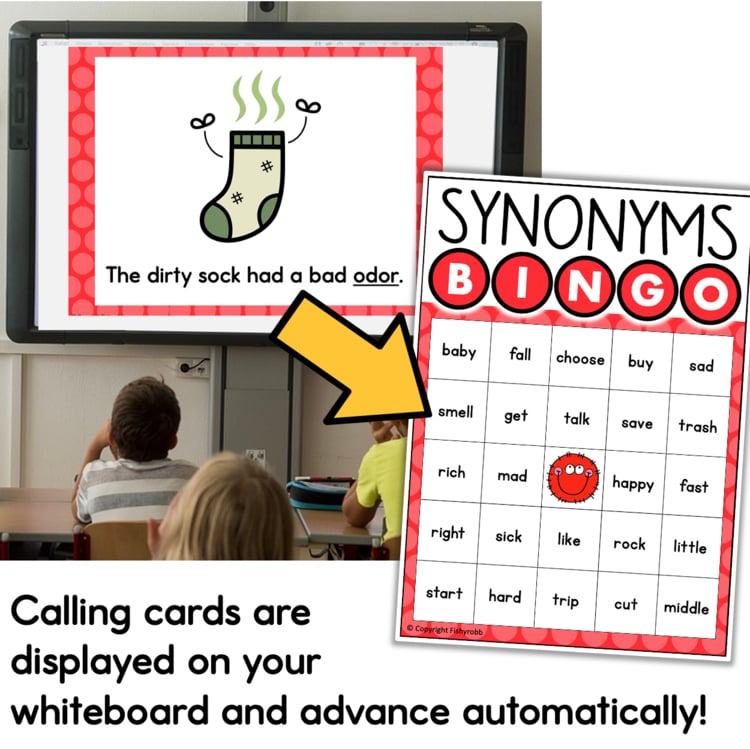
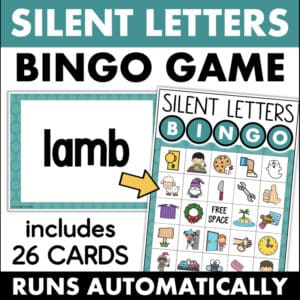
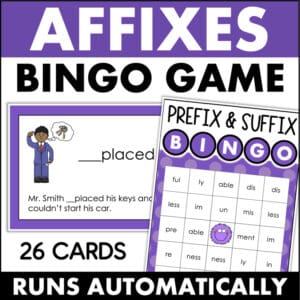
This synonym bingo vocabulary matching game gives students practice identifying synonyms in context — each round, they see a picture and a sentence with an underlined word, then find and mark a synonym for that word on their bingo card. The PowerPoint presentation advances automatically, so once you start the game, you can pull a small group, circulate the room, or just watch how your students are doing instead of being stuck at the front calling words.
WHAT YOU WILL GET:
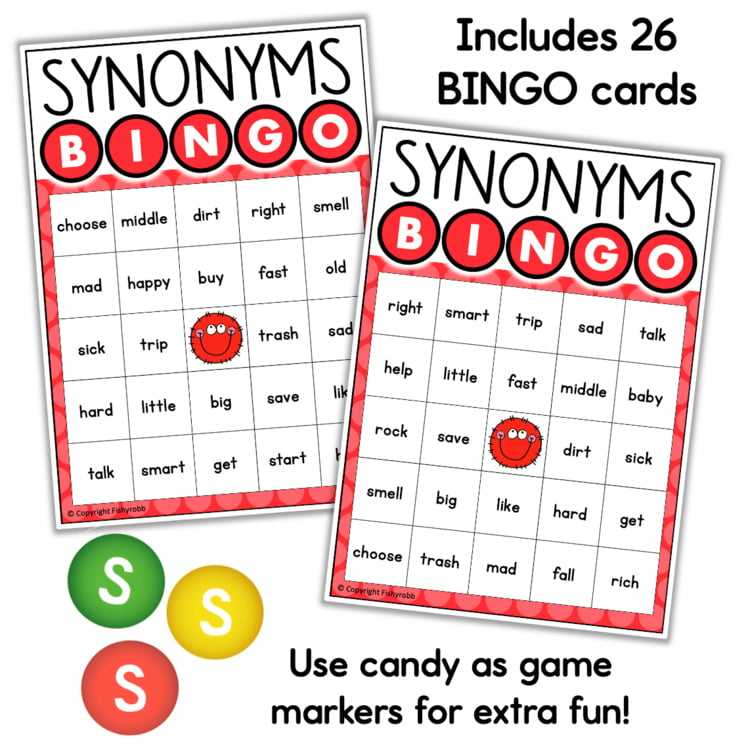
- 26 synonym bingo cards
- PowerPoint presentation with auto-advancing slides
- Shuffle feature built into the PowerPoint
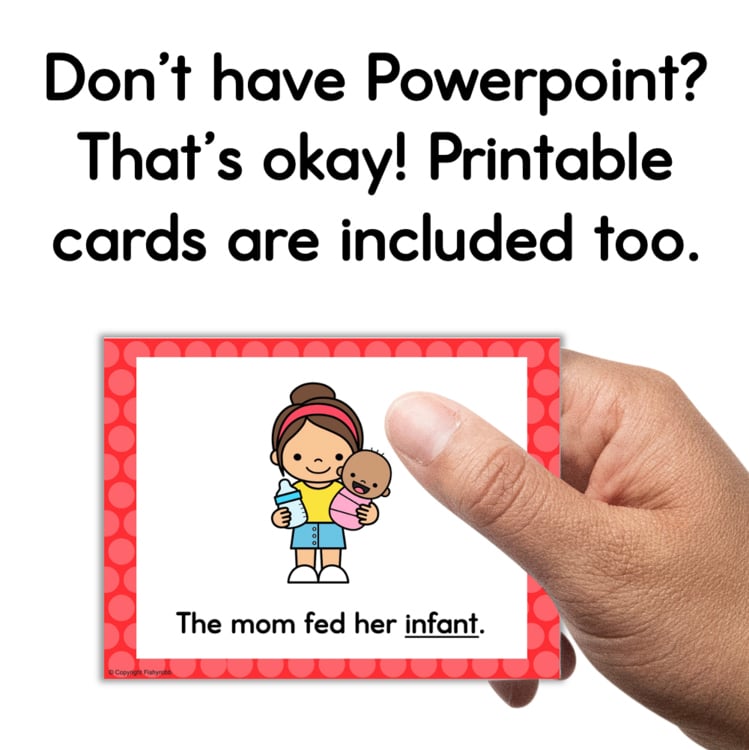
- Printable calling cards
- Cheat sheet to help you keep track of which words have been called
- Instructions
The shuffle feature is really useful – with one click you can mix up the slide order, which means you can play this game more than once without students having the same experience twice.
The printable calling cards are a nice backup option if you do not have access to PowerPoint or want to use the game with a small group.
This bingo game works well as a whole-class activity, a literacy center game, or a small group vocabulary review. If you want to make it a little more exciting, candy markers always go over well. There is no prep beyond printing the cards — the PowerPoint handles the rest.
Check out the PREVIEW for a closer look before you purchase.


 Reload document
  Open in new tab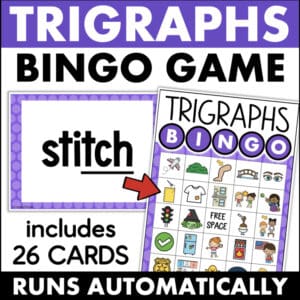
Reviews
There are no reviews yet.