If you’ve been looking for an easy way to add interactive practice to your lessons, you might have come across Boom Cards. They’re popular with elementary teachers, especially for centers and independent practice. If you’ve never used them before, you’re really missing out on a very cool learning tool.
Boom Cards are pretty straightforward once you know how they work. You don’t need to be especially tech-savvy to get started, and they work equally well in the classroom or at home.
.
.
What Are Boom Cards?
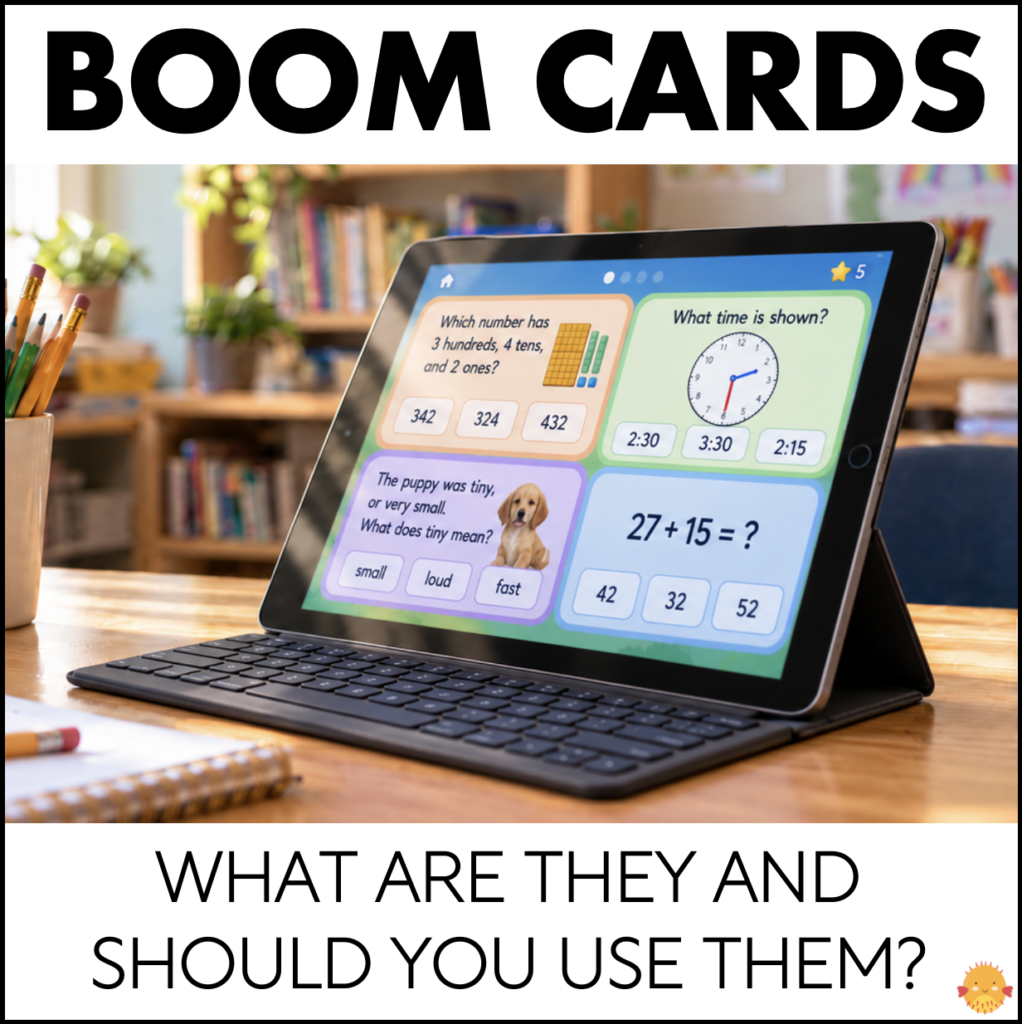
Boom Cards are digital task cards that students complete on a computer, tablet, or other internet-connected device. They’re hosted on the Boom Learning website, and there’s no need to download or print the activities (although you can if you want).
Instead of working on a traditional worksheet, students answer questions on the screen. Depending on the activity, they might click the correct answer, drag and drop pictures, match items, or type a response.
A group of Boom cards is called a deck. Each deck usually focuses on a particular skill, such as identifying beginning sounds, practicing addition facts, or answering reading comprehension questions. There are Boom Cards for literally any skill you can think of!
.
Why Do Teachers Love Boom Cards?
There are plenty of digital learning activities out there, but Boom Cards stand out for a few important reasons.
1. Students Get Immediate Feedback
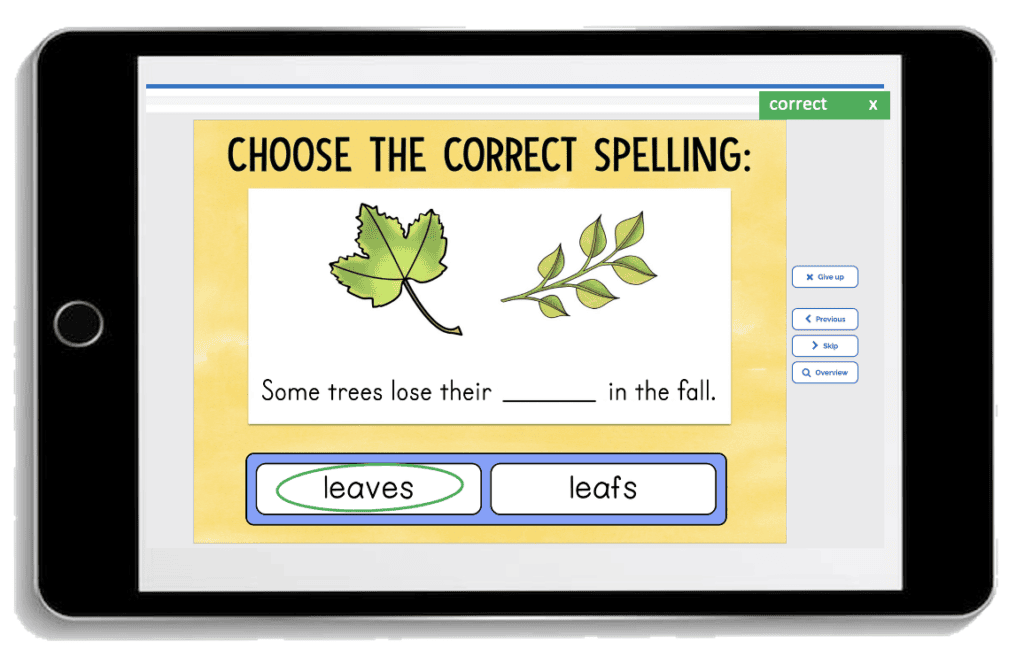
Probably my favorite thing about Boom Cards is that a lot of decks are set up with self-checking answers. With traditional worksheets, students often complete an entire page before finding out if their answers are correct.
But on most Boom decks, students know right away when they’ve made a mistake. They can correct their answers as they work rather than practicing a skill incorrectly for the entire assignment. This is especially helpful for younger students who are still developing confidence with new skills.
Of course, immediate feedback doesn’t replace teacher instruction, but it can make independent practice much more productive.
.
.
2. There’s No Grading
The self-checking feature is amazing for busy teachers and parents, too! Why? You don’t have to spend time grading work.
When you assign a deck through your Boom Learning account, you can review student performance. This makes it easier to see which skills students have mastered and which ones need a little more practice. Imagine a world where you can actually use what your students do during centers to plan instruction. Wow!
3. They’re Great for Independent Practice
Finding activities students can complete without constant teacher help can be a challenge, especially in kindergarten and first grade. Boom Cards are a really useful option once students understand how to use them.
Many decks include audio directions, which can be so helpful for beginning readers who aren’t able to read the instructions independently yet. It allows them to work through a deck at their own pace while you’re teaching a small group or working with another student.
Just keep in mind that audio isn’t included in every deck, so it’s worth checking before you buy.
4. Students Love the Interactive Format
Everyone had a different learning style, and sometimes circling answers on a worksheet just doesn’t do the trick. With Boom Cards, students get to move pictures, click buttons, and interact with the activity on the screen. A well-designed deck can make repetitive skill practice feel more like a game which is super appealing to most kids.
.
How to Use Boom Cards in the Classroom
You don’t need to change your lesson plans to use Boom Cards. They’re really easy to fit into your established routine. Here are some great ways to use them:
Centers
Boom Cards work really well as a station during math or literacy rotations.
It’s really easy to find a deck that closely matches what you’re teaching whether it’s letter identification, author’s purpose, multiplication, or counting to 10.
For students who finish their other center work early, having a Boom Card deck available can provide some extra practice without you having to prepare yet another activity.
Small-Group Instruction
Boom Cards aren’t just for independent work. You can also use them during small-group lessons by displaying the cards on a tablet or laptop. If you teach intervention or ESE support like me, this is an incredibly easy way to have activities for each group ready without having to drag around a huge cart full of materials.
.

.
Whole-Class Review
If you have an interactive whiteboard or projector, you can display a Boom Card deck for the whole class. Students can answer questions together, explain their thinking, or come up to the board to choose an answer. This works nicely for a quick review at the beginning or end of a lesson.
Extra Practice at Home
One of my favorite features of Boom Cards is that they can be assigned for students to complete outside of school. Think homework, extra practice, or situations when a student can’t be at school for an extended period. As long as they have internet and a device, they can do Boom Cards right at home or on the go.
Parents seem to love Boom Cards as a homework option. There are no papers to keep track of and their child is usually more than willing to complete the assignment.
.
How Do You Get Started with Boom Cards?
Getting set up with Boom Cards is easier than you might think.
Step 1: Create a Boom Learning Account
Visit Boom Learning and sign up for a teacher account.
Boom offers different membership options, including a free Starter account. You can use all the free decks you want (there are plenty) and try out some of the extra features before deciding if you want a paid membership.
Using this link to sign up will give you 10% off a paid account if you decide to upgrade.
Step 2: Find Some Boom Card Decks
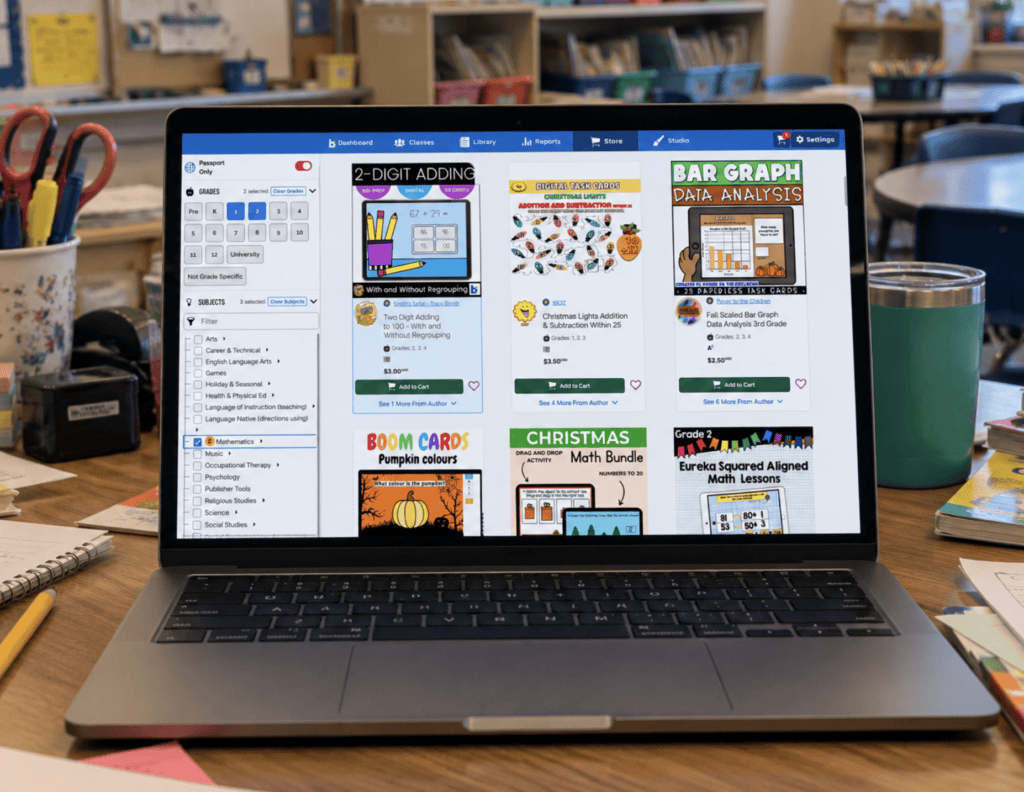
Once you create an account, you can browse the Boom Learning store for activities. You can search by grade level, subject, or specific skills such as CVC words, addition facts, or reading comprehension.
There are free decks available, too. I’d recommend starting with one or two free activities so you can see how everything works before purchasing more.
.
.
Step 3: Add the Decks to Your Library
When you download a deck, it’s added to your Boom Learning library. That’s where you go to select and assign activities to your students.
You can also find Boom Cards on Teachers Pay Teachers. These resources (paid or free) will include a link that will add the deck to your Boom Learning account.
Step 4: Let Students Play
There are two main ways students can access Boom Cards.
The first is called Fast Pins. This lets students play without signing in to an individual student account. This is a great option when you simply want students to practice a skill and aren’t worried about tracking progress.
The second option is to create a classroom in Boom Learning and assign decks to your students. This gives every student an account where you can view their performance data and review student progress.
Which option is best depends on how you plan to use the activities.
.
FAQ About Boom Cards
Are Boom Cards Free?
There are a lot of free Boom decks available, but it’s important to understand the difference between the decks themselves and a Boom membership.
The free Starter account has limits on the features available and how many students you can track to monitor performance. If you’re mainly using Boom Cards for whole-class review or occasional independent practice, the basic features may be enough.
If you want to assign activities to a full class and keep detailed records of student progress, you’ll probably want a paid membership.
With either the starter or paid membership, you can use free or purchased decks.
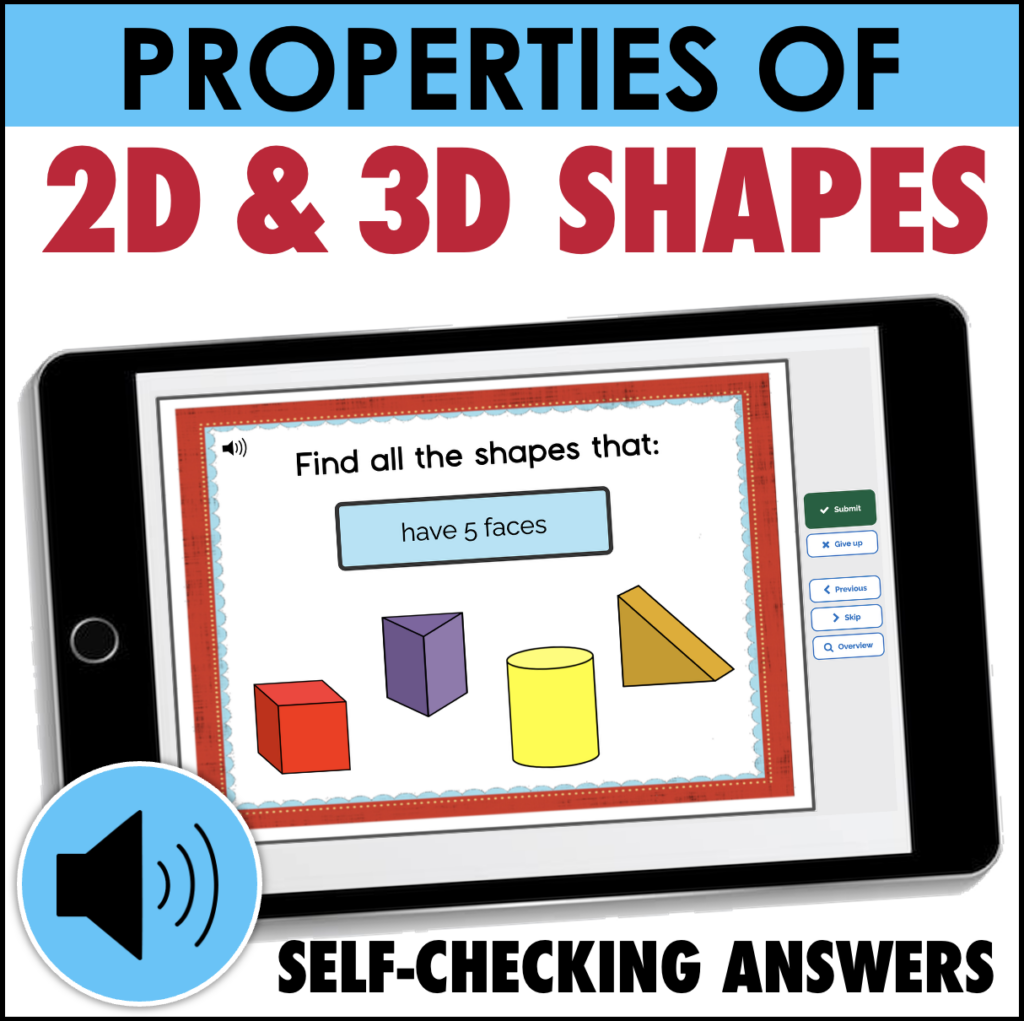
Here’s a deck you can try out for free!
.
.
Do Students Need Their Own Accounts?
Not necessarily. If you’re using Fast Pins, students can open a link and complete the activity without signing in at all. This is probably the simplest way to introduce Boom Cards to your students.
However, there’s one important difference: Fast Pin activities don’t save individual student performance reports.
If you want to see how each student performed, you’ll need to set up student accounts and assign the decks through your Boom Learning classroom.
It takes a little more time, but it really worth it if you plan to use Boom Cards regularly.
Are Boom Cards Worth Using?
Yes! Boom Cards are definitely useful, especially for skills that need repeated practice.
They can’t replace hands-on activities or direct instruction, but for reviewing skills and assigning independent work, Boom Cards are amazing! The automatic feedback is so helpful for students, and the self-grading feature can really save you some time.
If you haven’t tried Boom Cards yet, start with a free deck that covers a skill your students are working on. Give them a chance to explore how the cards work, and see whether the format fits into your classroom routine.
.
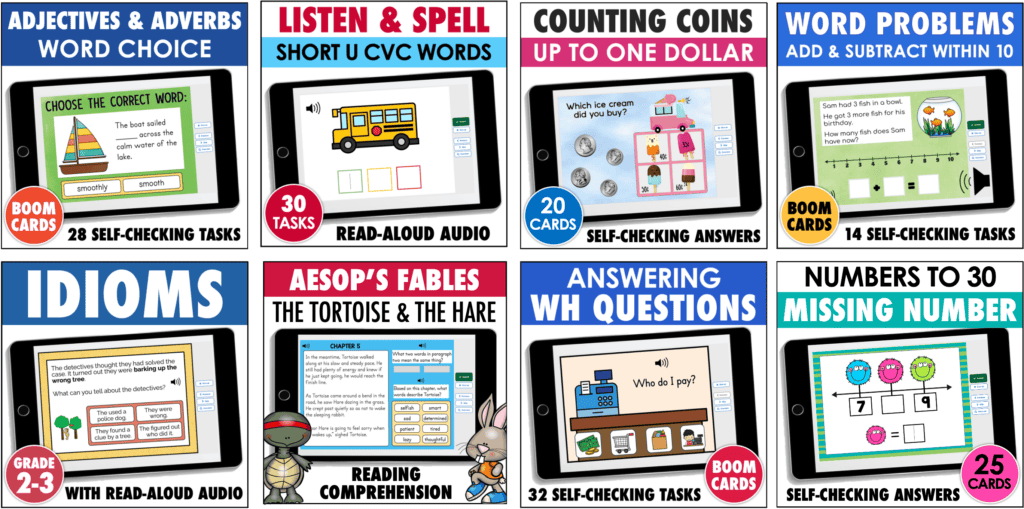
Some of the Boom Cards I’ve Made!
.