
Description
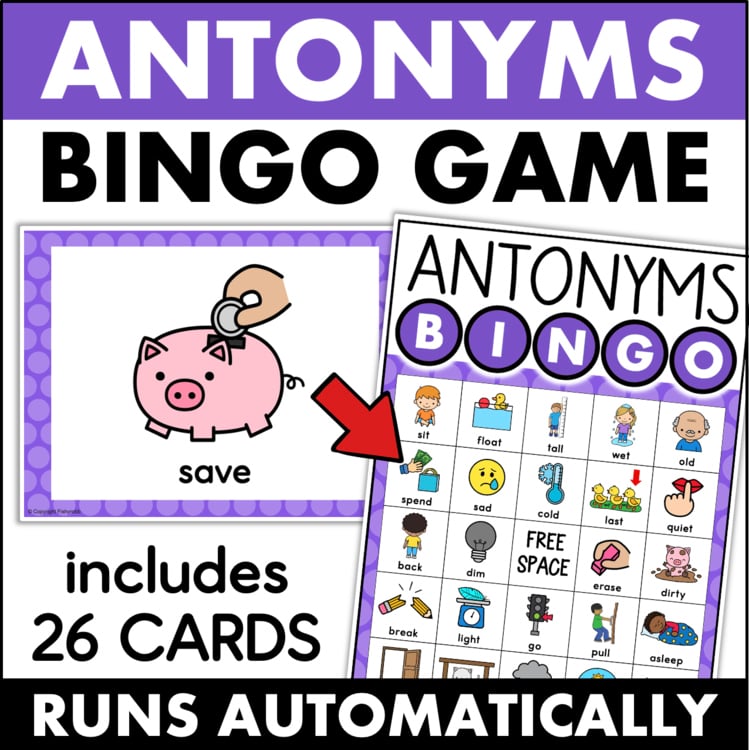
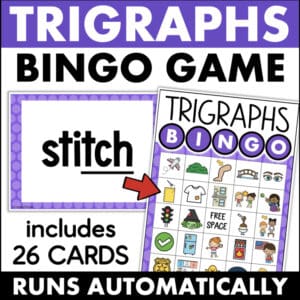
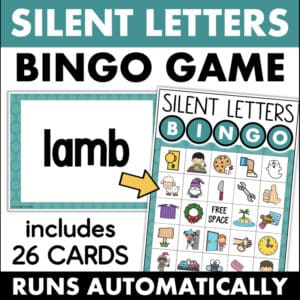
This antonyms bingo game is such a fun way to build vocabulary!
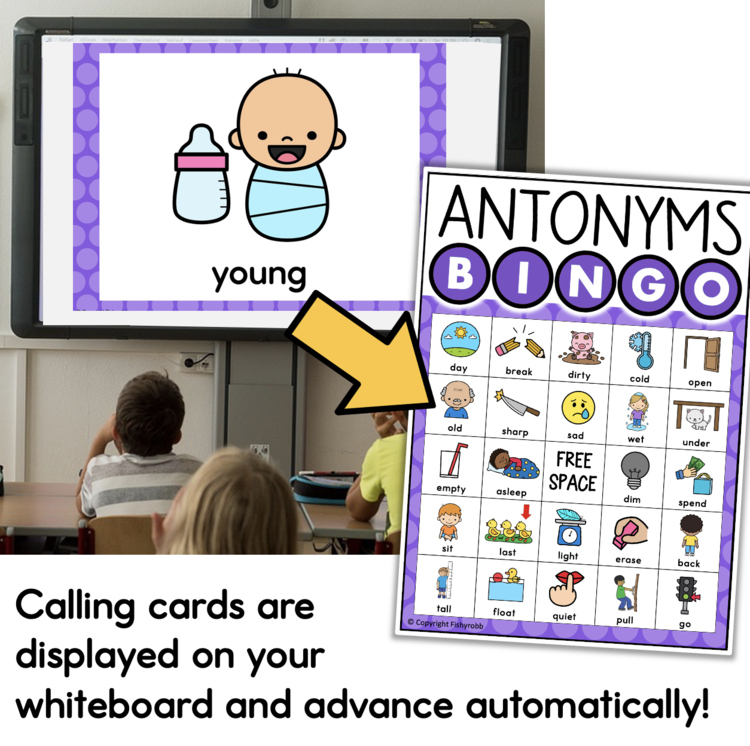
Students see a picture and word on the screen, then find and mark the antonym on their bingo card. The PowerPoint slides advance automatically, you can actually move around the room and work with students instead of standing at the front calling words the whole time.
WHAT YOU WILL GET:
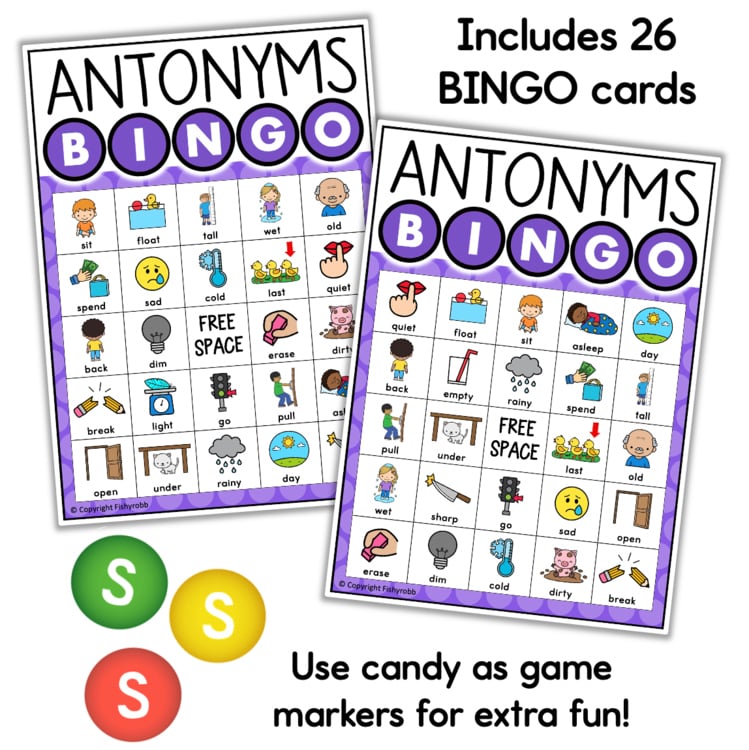
- 26 antonym bingo cards
- PowerPoint presentation with auto-advancing slides
- Shuffle feature built into the PowerPoint
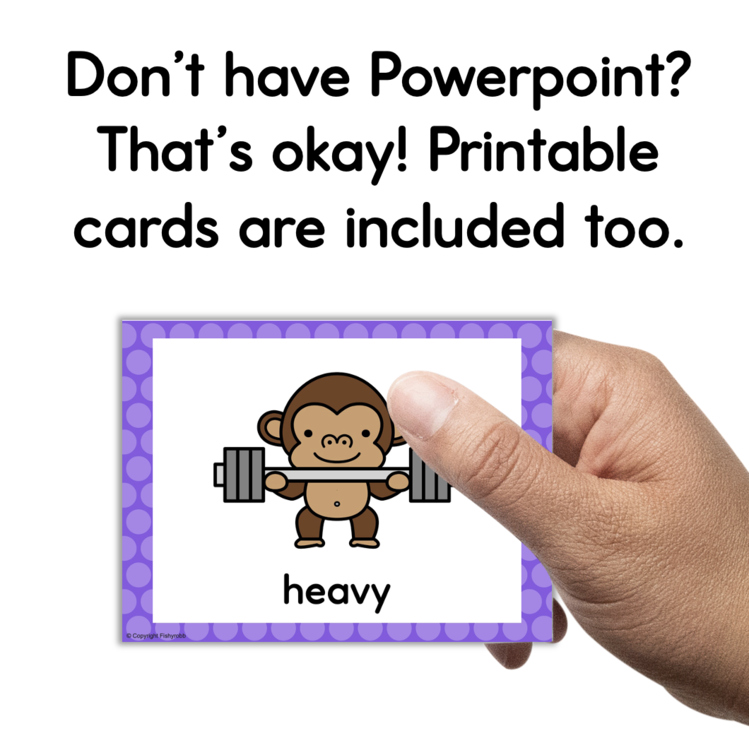
- Printable calling cards
- Cheat sheet to track which words have been called
- Instructions
The shuffle feature is so useful. With one click you can mix up the slide order, which means you can run the game again without students already knowing what is coming. That makes it easy to use as a whole-class activity more than once.
The printable calling cards give you an alternative to the Powerpoint. If you are pulling a small group, you can just print and cut the cards and run the game right at your table. It works well for guided reading groups, literacy centers, or intervention sessions where you want something hands-on but not disruptive to the rest of the class.
This activity works for whole-class instruction, small groups, or a center that students can manage with minimal direction from you. If you want to make it a little more fun, use candy as markers — students love it!
Check out the PREVIEW for a closer look before you purchase.


 Reload document
  Open in new tab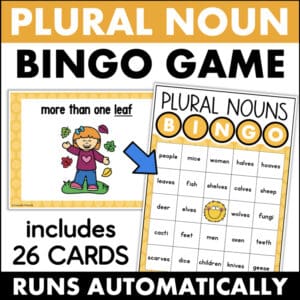
Reviews
There are no reviews yet.